

Key Takeaways
- Free trials almost always require payment details upfront and auto-convert to paid plans without a second prompt.
- The cancellation process is often deliberately obscured - find it before you sign up, not after.
- Setting a calendar reminder before the trial ends is one of the most effective ways to avoid unwanted charges.
- Virtual or temporary card numbers can limit your financial exposure when trying a new service.
- Always read the renewal price, billing frequency, and refund policy before entering any payment information.
Summary
18 items · 15-25 minutes
Why Free Trials Are Designed to Become Paid Subscriptions
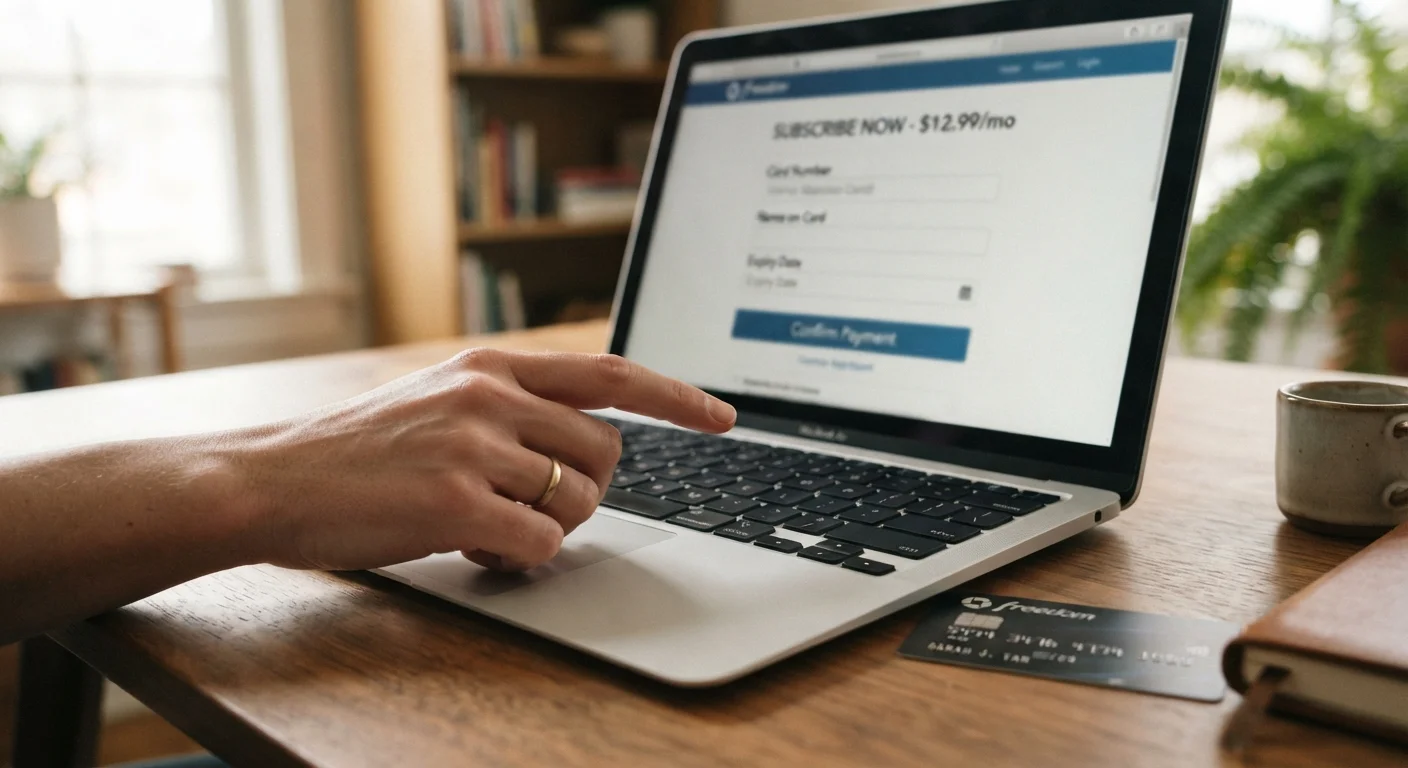
A free trial is a marketing tool first and a consumer benefit second. Services that offer them are counting on a predictable pattern: you sign up, you get busy, the trial ends quietly, and a charge appears on your statement days later. By that point, canceling may require a phone call, a lengthy chat queue, or navigating a settings menu that seems engineered to frustrate.
This isn't accidental. Practices like pre-checked annual upgrade boxes, vague trial-length language, and obscured cancellation paths are well-documented tactics in subscription commerce. The Federal Trade Commission has taken action against companies that made canceling a subscription materially harder than signing up - a pattern sometimes called a "negative option" arrangement.
Understanding the game before you play it is the most reliable defense. This checklist walks you through exactly what to verify before you hand over your payment details for any free trial. For a broader look at protecting yourself from common online traps, see our practical overview of online shopping risks.
Before You Enter Payment Details
Payment Method Strategy
Calendar and Reminder Setup
After Signing Up
Tools That Help You Stay in Control
A few practical resources can significantly reduce your exposure to unwanted charges. None of them require technical expertise - just a few minutes of setup.
Virtual Card Number (from your bank or credit card issuer)
Generates a temporary card number that limits what a merchant can charge after a trial ends, reducing financial exposure.
Calendar App (any platform)
Used to set trial-end reminders 3-5 days in advance so you never miss a cancellation window.
Subscription Tracker App or Spreadsheet
Logs active trials and recurring charges in one place, making future audits faster and more reliable.
Screenshot Tool
Captures trial terms and payment confirmations at signup, providing documentation if a charge is later disputed.
Once you've gathered your tools, work through the checklist above systematically. Think of it as a two-minute due-diligence habit that can prevent a recurring charge you won't notice for months. If you're already managing multiple subscriptions and want to audit what you're currently paying for, the Subscription Audit Checklist is a logical next step.
Canceling Early Doesn't Always Mean Losing Access
Many people delay canceling a trial because they assume they'll lose access immediately. In most cases, canceling simply stops the auto-renewal - you keep full access until the trial period expires. Verify this with the specific service, but don't let uncertainty talk you out of canceling early when you're unsure you'll continue.
Annual Plans Hidden Behind Monthly Trial Language
Some trials advertise a monthly price prominently but default to billing you annually the moment the trial ends. The annual charge can be two to ten times larger than the monthly equivalent. Always confirm the exact billing frequency and total charge before completing signup, not just the per-month figure shown in the marketing.
The same scrutiny that protects you from subscription traps applies to other spending decisions. Before completing any significant online purchase, run through a pre-purchase checklist to catch return policy gaps, price errors, and seller red flags before money changes hands.